
Filter brands
Brands
Compare movie and tv streaming devices
Showing all 5 products
0 products shortlisted

Cost
Price
$219
$249
$199
$290
$400
Annual running cost
$9.5
$5.7
$15.2
$13.1
$12.3
Recommended products
Recommended
Test results
CHOICE Expert Rating
Ease of use score
Remote control score
Standby power consumption score
0
0
Energy and sustainability
Shop Ethical rating
Active power consumption (W)
3.66
2.43
4.9
6.82
6.2
Standby power consumption (W)
2.05
1.09
3.9
1.52
1.59
Country of origin
China
China
China
China
China
Comments
Good points
- Parental controls include PIN requirement for all apps
- Has an Ethernet port (non- Gigabit)
- Very accurate voice search recognised all search terms we spoke
- Very responsive user interface
- Has a USB port; useful for playing media
- Parental controls include PIN requirement for all apps (non age range PIN)
- Very accurate voice search recognised all search terms we spoke
- Very responsive user interface
- Has a Gigabit Ethernet port
- Has a TV tuner (but is not a PVR)
- Very good parental controls allow PIN to be applied to all apps, as well as selected free-to-air channels
- Very accurate voice search recognised all search terms we spoke
- Has a Gigabit Ethernet port
- Has a USB port; useful for playing media
- Excellent search looked for content in subscription and free-to-air catch-up services
- All remote control keys illuminate when it's dark and the remote is picked up
- Very accurate voice search recognised all search terms we spoke
- Very good amalgamation of content based on installed services
- Exceptionally easy to identify the streaming service provider of recommended content
- Has a Gigabit Ethernet port
- Has a microSD slot; useful for playing media or expanding the system storage
- Excellent search looked for content in subscription and free-to-air catch-up services
- All remote control keys illuminate when it's dark and the remote is picked up
- Very accurate voice search recognised all search terms we spoke
- Very responsive user interface
- Very good amalgamation of content based on installed services
- Exceptionally easy to identify the streaming service provider of recommended content
- Has a Gigabit Ethernet port
- Has two USB ports; useful for playing media or expanding the system storage
Bad points
- Home screen includes almost 50 rows of content and is overwhelming rather than useful
- Ad takes up almost 50 per cent of the home screen
- 'Continue watching' row only showed content from Amazon Prime Video
- Content search did not show results from all subscribed services
- Content amalgamation from installed services is poor
- Not easy to identify the streaming service provider of recommended content
- Casting from a phone was limited to Netflix and YouTube
- Content search did not show results from all subscribed services
- 'Continue watching' row was OK, but did not show content from Netflix, Disney+, or Paramount+
- Ad takes up about 75 per cent of the home screen
- Not easy to identify the streaming service provider of recommended content
- Remote control includes a touchpad that can lead to navigation misadventure, but it can be disabled in the settings
- Parental controls include PIN for apps based on age range, but it can still allow apps with 18+ content to open
- AirPlay support from apps is limited; can not easily initiate content from a phone app to play it back on the Apple TV device
- Main interface for accessing content is not intuitive
- 'Continue watching' row in My Stuff section was not effective; showed minimal content
- HDR setting has to be enabled manually from the settings menu
- Remote control is large with lots of keys, but key layout is a bit unconventional
- Set-up of the Fetch TV box requires payment of a $1 activation fee and asks for personal details (name, address, phone number)
- High standby energy consumption
- User interface not as responsive as expected
- ABC iView and Paramount+ apps were old and did not support profiles
- No obvious app store
- Casting from a phone was limited to Netflix and YouTube
- Not easy to identify the streaming service provider of recommended content
- Ad takes up almost 50 per cent of the home screen
- User interface not as responsive as expected
- Can set up a restricted profile for kids, but it's not an intuitive process
- 'Continue watching' row was good, but did not show Netflix or BritBox content
- Casting from a phone was not possible by default; had to clear cache of Chromecast system app and restart the device
- Ad takes up almost 50 per cent of the home screen
- Can set up a restricted profile for kids, but it's not an intuitive process
- 'Continue watching' row was good, but did not show Netflix or BritBox content
- Casting from a phone was not possible by default; had to clear cache of Chromecast system app and restart the device
Product summary
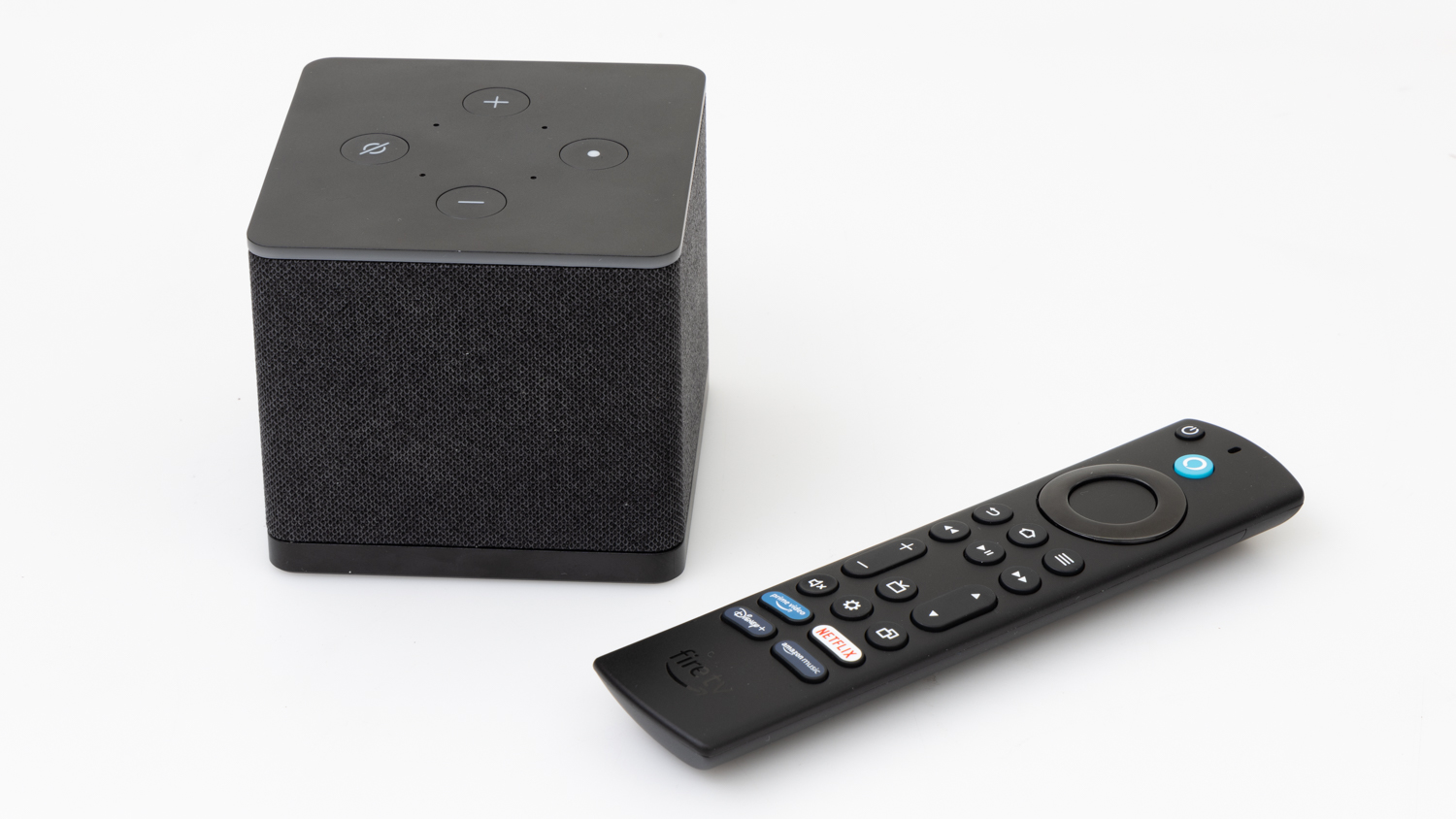
Amazon's Fire TV Cube has a built-in microphone so you can control it with a hands-free 'Hey Alexa' command. You can talk to it to control devices or look for content, and if you're lucky it will find what you're looking for -- though we noticed that it didn't search through all of our subscribed services. Its interface had a glut of content that came primarily from Amazon, without giving much regard to the subscription services we already had installed. The 'continue watching' row also only showed stuff from Prime Video. If your main streaming service is Prime, then this will not be an issue. Parents can enable access controls so that kids can't launch any apps without a PIN.
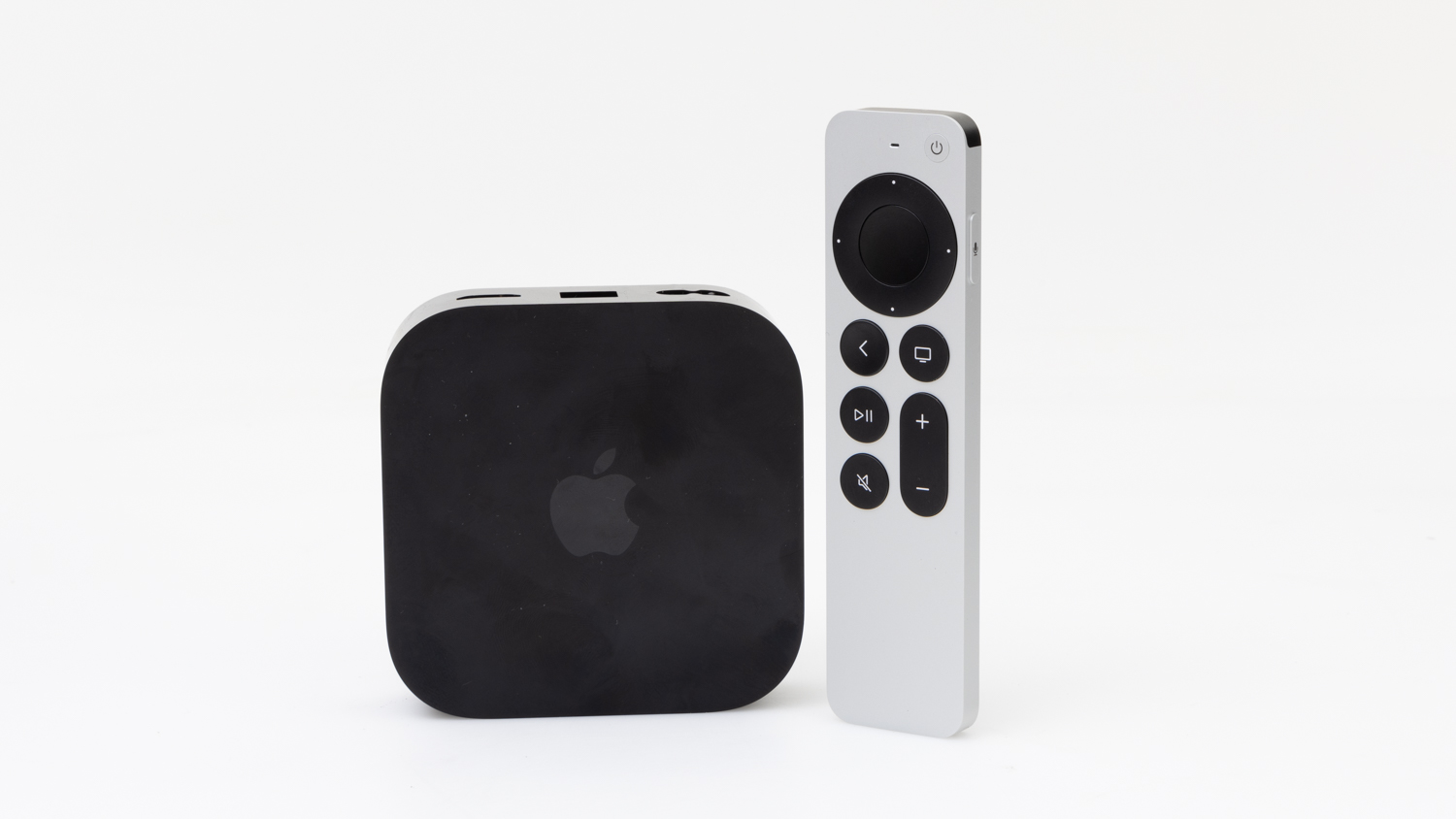
Apple TV is the go-to box if you're main source of content is Apple TV+ or Apple's store for buying and renting content. It puts a focus on that content, even if you have plenty of other streaming services installed. The interface was overwhelming and sometimes confusing in the way it presented content; it didn't always give accurate information about how we could watch a show that was recommended to us. Parents can enable access controls so that kids can't launch any apps without a PIN (there is an option to use an age range for the PIN, but this still allowed apps with 18+ content to be opened).
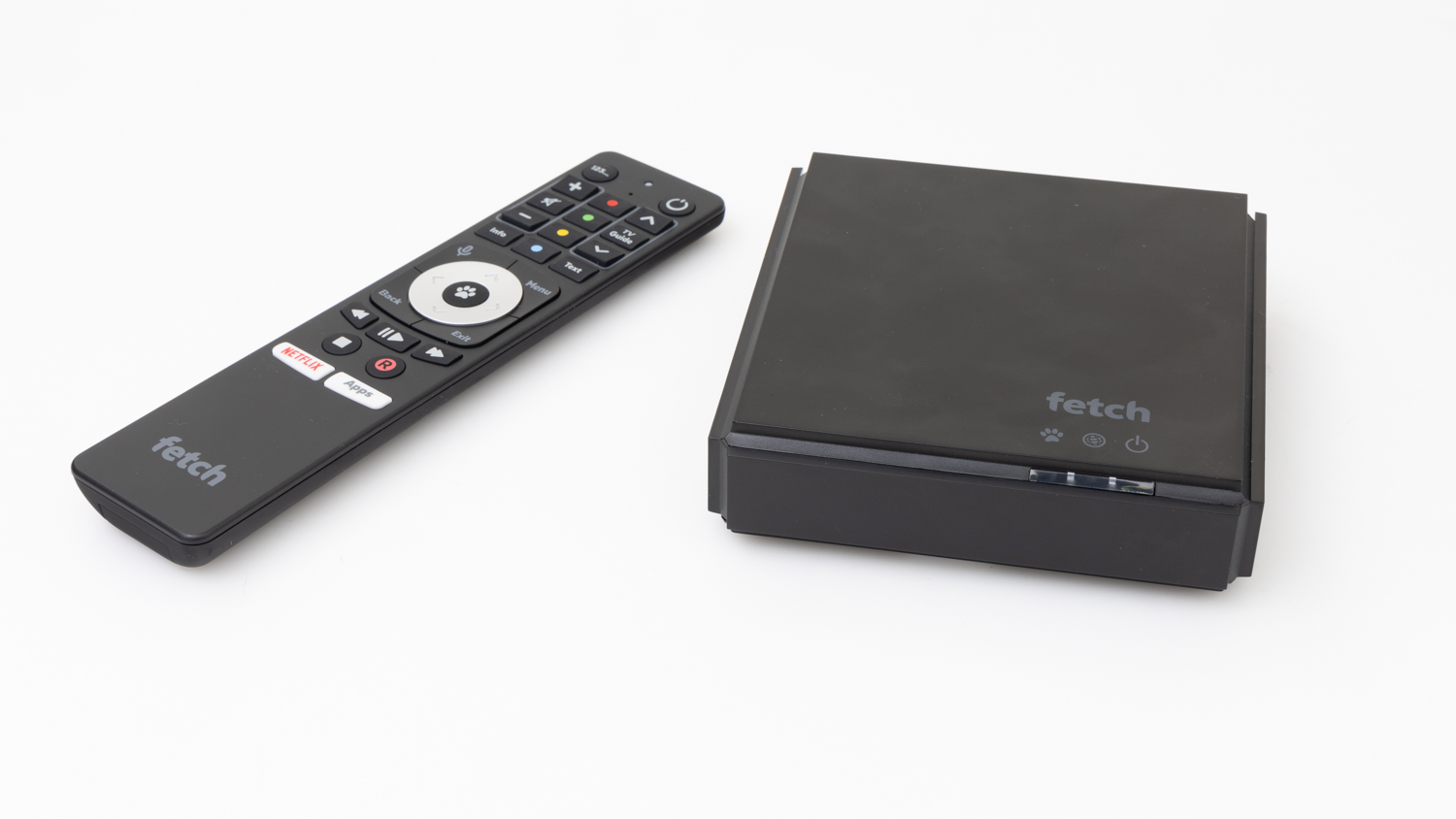
Fetch TV's 4K Mini includes a TV tuner in addition to app support, which makes it handy if you want to turn a monitor into a TV. It works a little differently to the other devices in this test because Fetch TV itself offers channel and movie pack subscriptions, and this means you have to activate the device for a small fee and give away your name, address, and phone number. It's a decent overall streamer, but its interface is unintuitive and some of its apps are old.
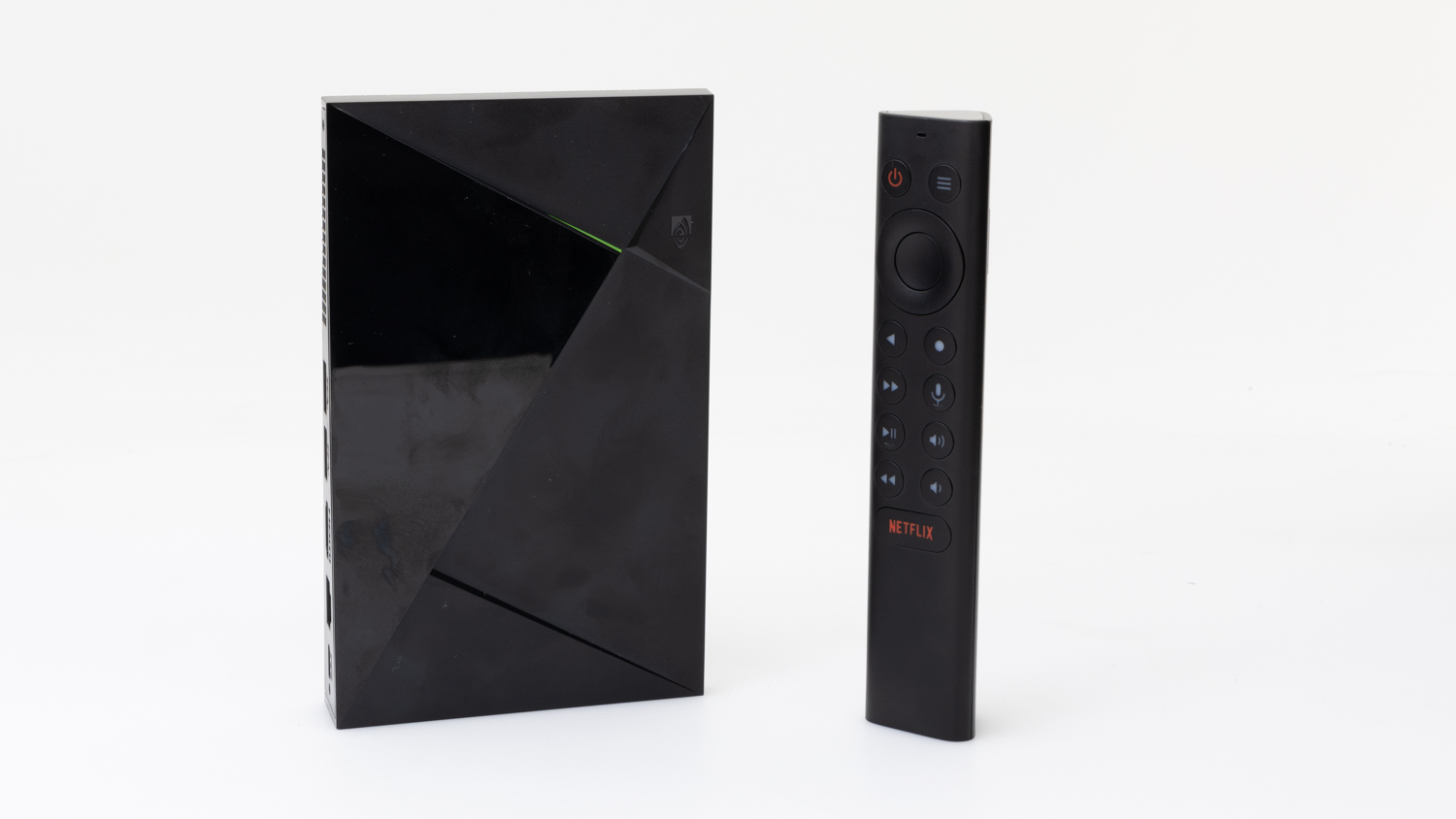
NVIDIA's Shield TV has a cylindrical shape with ports on either end. It might leave you scratching your head a bit as to where you can place it, but there'll be less confusion when you start using it. Its Android TV interface did a commendable job of amalgamating content from multiple providers on one page, and its search capability was excellent, as it found content across all services. The version of Android it runs is a little older, which isn't altogether a bad thing, as it means apps such as Foxtel can still be used -- a boon for those who have a traditional Foxtel service. Casting was a bit of a nightmare, though, with troubleshooting required to figure out why none of the apps on our Android phone could see the Shield TV. Parents can set up a restricted profile for kids, but the feature isn't obvious.
NVIDIA's Shield TV Pro is a flat device that includes a couple of USB ports at the back. Its Android TV interface did a commendable job of amalgamating content from multiple providers on one page, and its search capability was excellent, as it found content across all services. The version of Android it runs is a little older, which isn't altogether a bad thing, as it means apps such as Foxtel can still be used -- a boon for those who have a traditional Foxtel service. Casting was a bit of a nightmare, though, with troubleshooting required to figure out why none of the apps on our Android phone could see the Shield TV Pro. Parents can set up a restricted profile for kids, but the feature isn't obvious.
Features
4K capable
HDR
HDR10, HDR10+, Dolby Vision
HDR10, Dolby Vision
HDR10, Dolby Vision
HDR10, Dolby Vision
HDR10, Dolby Vision
User profiles
Child profiles
Netflix
Stan
Amazon Prime Video
Disney+
Binge
YouTube
Paramount+
Foxtel Now
Kayo Sports
Apple TV+
BritBox
Crunchyroll
Tubi
ABC iView
SBS On Demand
7plus
9Now
10 play
Plex
Chromecast
Apple AirPlay
USB in
DLNA
Wi-Fi direct
Miracast
Home search screen
Netflix remote button
Stan remote button
YouTube remote button
Specifications
Internal storage (GB)
16
128
8
8
16
Ethernet port
Memory card reader
Toslink
Bluetooth
Dimensions (mm, H x W x D)
85 x 85 x 80
95 x 95 x 30
125 x 125 x 35
165 x 40 x 40
160 x 100 x 25
Related products
Availability
Tested model
Tested model
Tested model
Tested model
Tested model